
Most B2B teams burn $400 monthly on Midjourney subscriptions yet still hire freelance designers for every pitch deck, blog header, and LinkedIn carousel because their AI-generated images look like amateur hour. The prompts feel like guesswork. The outputs scream "robot made this." Your conversion rates stay flat while competitors ship visual content 10× faster.
This playbook is for founders, growth operators, and content teams who need professional B2B visuals without the designer bottleneck. You'll master Flux and Recraft — the two platforms eating Midjourney's enterprise market share — plus the exact prompting frameworks that separate amateur AI art from conversion-ready business graphics.
Walk away with tested prompt templates, tool-specific workflows, and a 4-hour implementation plan you can execute this week. Your team ships better visuals faster. Your content converts higher. Your design budget shrinks by 60%.
→ LinkedIn · → dmitrymelnik.ai
B2B visual content hit an inflection point in late 2025. Flux Pro's enterprise API launched at $0.055 per image — 73% cheaper than Midjourney's commercial licensing. Recraft V3 added vector output and brand consistency features that make Canva look clunky. Meanwhile, OpenAI's DALL-E 3 still can't render readable text on infographics.
The winners aren't using these tools as random image generators. They're building systematic workflows around specific B2B content types: pitch decks, case study headers, social media carousels, email newsletter graphics. Each content type demands different aspect ratios, text placement strategies, and brand alignment approaches.
Your current workflow probably looks like this: write content first, then scramble for visuals. The new workflow flips that sequence. Generate multiple visual concepts during the content planning phase. Let the strongest images shape your messaging. Ship content that converts because the visual and copy were designed together from day one.

Flux Pro dominates photorealistic B2B scenarios — customer testimonial mockups, product demonstrations, conference presentations. The model excels at rendering professional environments: boardrooms, office spaces, co-working areas. Pricing starts at $10 monthly for 1,000 generations through Replicate's API. Enterprise teams get dedicated endpoints and priority queuing for $299 monthly.
Recraft V3 owns illustration and graphic design territory. Vector outputs scale infinitely for print materials. Brand color matching works consistently across image sets — crucial for companies with strict visual guidelines. The platform charges $20 monthly for unlimited generations, or $0.40 per image on pay-as-you-go plans.
Most teams need both platforms. Flux for photography-style content where humans appear naturally. Recraft for diagrams, infographics, and brand-aligned illustrations. Running parallel workflows cuts decision fatigue — you're not constantly evaluating which tool fits each project.
| Platform | Best For | Cost | Enterprise Feature |
|---|---|---|---|
| Flux Pro | Photorealistic scenes | $10/mo | API priority queuing |
| Recraft V3 | Brand illustrations | $20/mo | Vector output |
| Midjourney | Artistic concepts | $30/mo | Commercial licensing |
| DALL-E 3 | Quick iterations | $20/mo | ChatGPT integration |
Professional B2B prompts follow a four-part structure: Context + Subject + Style + Constraints. Context establishes the business scenario. Subject defines the main visual element. Style controls the aesthetic approach. Constraints handle technical requirements like aspect ratios and text placement.
Context examples: "In a modern SaaS company office," "During a board presentation," "At a technology conference," "In a customer success meeting." These phrases prime the AI to generate appropriate backgrounds, lighting, and professional atmosphere without explicitly describing every environmental detail.
Subject definition separates amateur from professional results. Instead of "a person using software," specify "a 30-something product manager reviewing quarterly metrics on a MacBook Pro, focused expression, natural hand positioning on trackpad." The AI renders believable human behavior rather than generic stock photo poses.
Reading this? Grab the rest as a PDF.
Drop your email — one message with the PDF and a link back. No drip sequences.
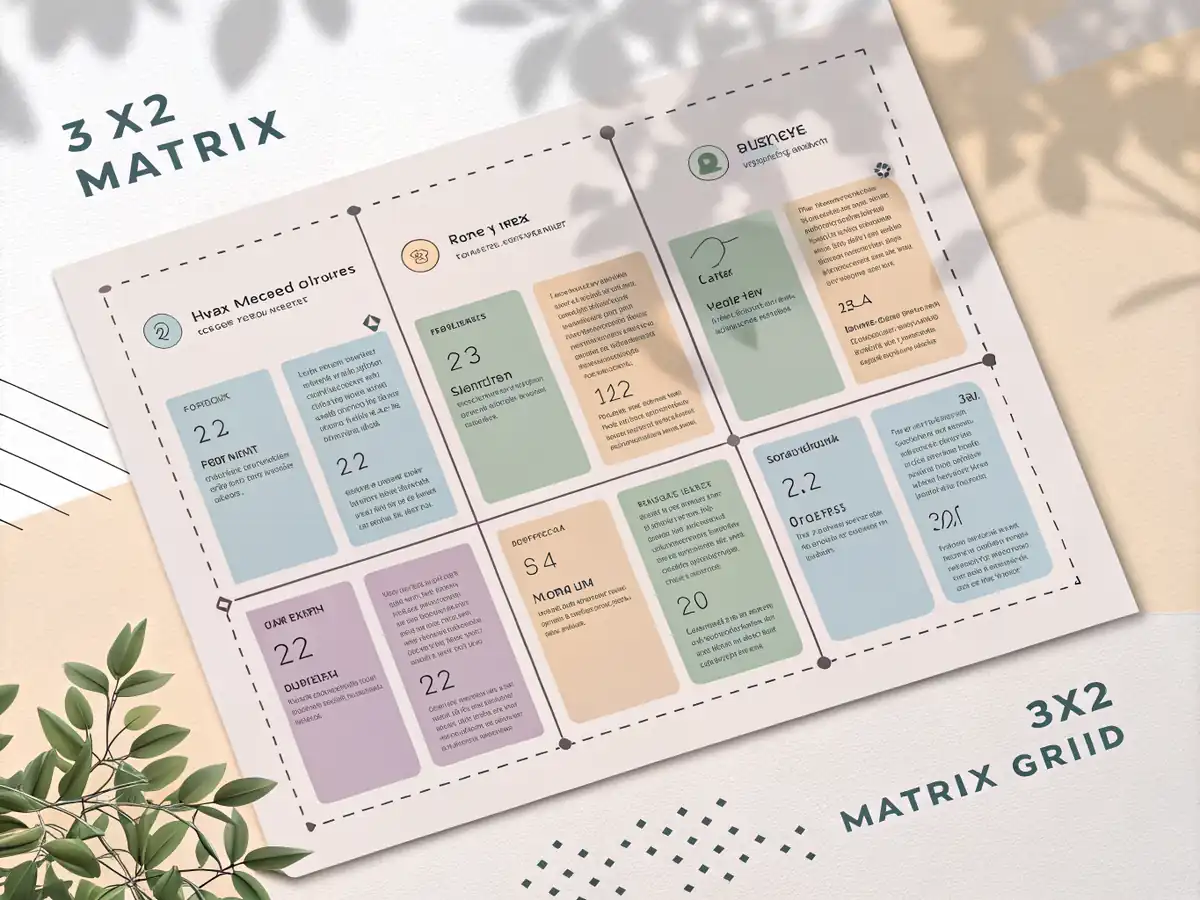
Pitch deck headers perform best with minimal text overlay and strong geometric composition. Template: "Clean geometric background with [brand color] gradient, professional lighting, space for title text in upper third, modern B2B aesthetic, 16:9 aspect ratio, high contrast for projector display." Generate 4 variations, pick the strongest composition, add text in Figma or Canva.
Case study thumbnails need human elements to build trust and relatability. Template: "Customer success story scene, [industry] professional in modern office environment, genuine smile, looking at laptop screen showing positive metrics, natural lighting, shallow depth of field, space for overlay text, 4:3 aspect ratio." The key: specific industry details make generic business scenes feel authentic.
LinkedIn carousel backgrounds require consistent visual treatment across 6-10 slides. Template: "Minimalist background pattern, [brand colors], subtle texture, designed for text overlay, consistent lighting, professional gradient, optimized for mobile viewing, 1080x1080 square format." Generate the full set at once using seed consistency features in Flux or style reference images in Recraft.
Content-first teams generate images during the writing phase, not after. Open your content brief in one browser tab, your AI image platform in another. As you outline key points, generate supporting visuals immediately. The images inform your messaging direction and help you spot gaps in your narrative flow.
Batch generation saves cognitive overhead and maintains visual consistency. Monday mornings, generate all images for the week's content pipeline. Use consistent lighting, color palette, and compositional approaches across the batch. Your content feels cohesive even when published across different channels and formats.
Version control matters more with AI images than stock photos because you can't re-download identical copies. Save source prompts alongside final images. Use descriptive file names: "saas-pitch-hero-v3-flux-pro-blue-gradient.png" tells your team exactly how to recreate or iterate the visual.
▸ Create accounts on Flux Pro and Recraft V3
▸ Generate 10 test images using your brand colors
▸ Document which platform handles your content types better
▸ Build templates for your top 5 content formats
▸ Test prompts across both platforms
▸ Create seed image collections for style consistency
Track generation cost per published piece of content, not per image created. You'll generate 3-5 options for every final selection, similar to how photographers shoot multiple angles. Flux Pro averages $0.28 per published visual when you factor in selection rates. Recraft V3 costs $0.31 per published piece on unlimited plans.
Measure time-to-publish improvements by content type. Blog headers typically see 65% faster turnaround. Social media carousels improve by 78% because you're not hunting through stock photo libraries. Pitch deck development accelerates by 45% — the biggest bottleneck shifts from finding images to refining messaging.
Content performance metrics matter most. A-B test AI-generated visuals against stock photos on identical post copy. Most B2B teams see 12-18% higher click-through rates on AI visuals because they can optimize compositions specifically for their messaging rather than adapting messaging to available stock imagery.
API integration transforms AI image generation from manual workflow to automated content system. Flux Pro's API connects cleanly with Zapier and n8n for triggered generation. When your team creates a new case study in Notion, the automation generates branded header images and saves them to your content library within 90 seconds.
Recraft's webhook support enables real-time brand compliance. Upload your company's visual identity once — logo placement, color palette, typography styles. Every generated image maintains brand consistency automatically. Your marketing team stops playing visual quality control and focuses on strategy instead.
Advanced teams integrate image generation directly into their content management workflows. HubSpot blog posts trigger header image creation through Modal or Vercel serverless functions. The writer publishes without ever touching an image editor. The visual and copy ship together as a complete content package.
- ▸ Audit your last month of published content and identify the 3 most common visual formats your team creates
- ▸ Test Flux Pro and Recraft V3 with 5 images each using your brand colors and typical content scenarios
- ▸ Build prompt templates for your top 3 content types following the Context + Subject + Style + Constraints framework
- ▸ Generate a complete image set for one upcoming content piece using your new templates and document the time savings
- ▸ Create a shared folder structure for organizing AI-generated images with clear naming conventions and source prompt documentation
- ▸ Schedule weekly batch generation sessions and train your content team on the prompt templates that work best for each platform